Independent restaurants
Give guests a polished mobile menu without taking on an agency project or a new ordering system.
Turn the menu you use today into a clear, editable mobile experience guests can open with one scan.
Create your free QR menuGive guests a polished mobile menu without taking on an agency project or a new ordering system.
Keep prices, availability, seasonal dishes, and descriptions current without reprinting menus.
Help travelers and multilingual tables understand the menu in a language they are comfortable reading.
 01
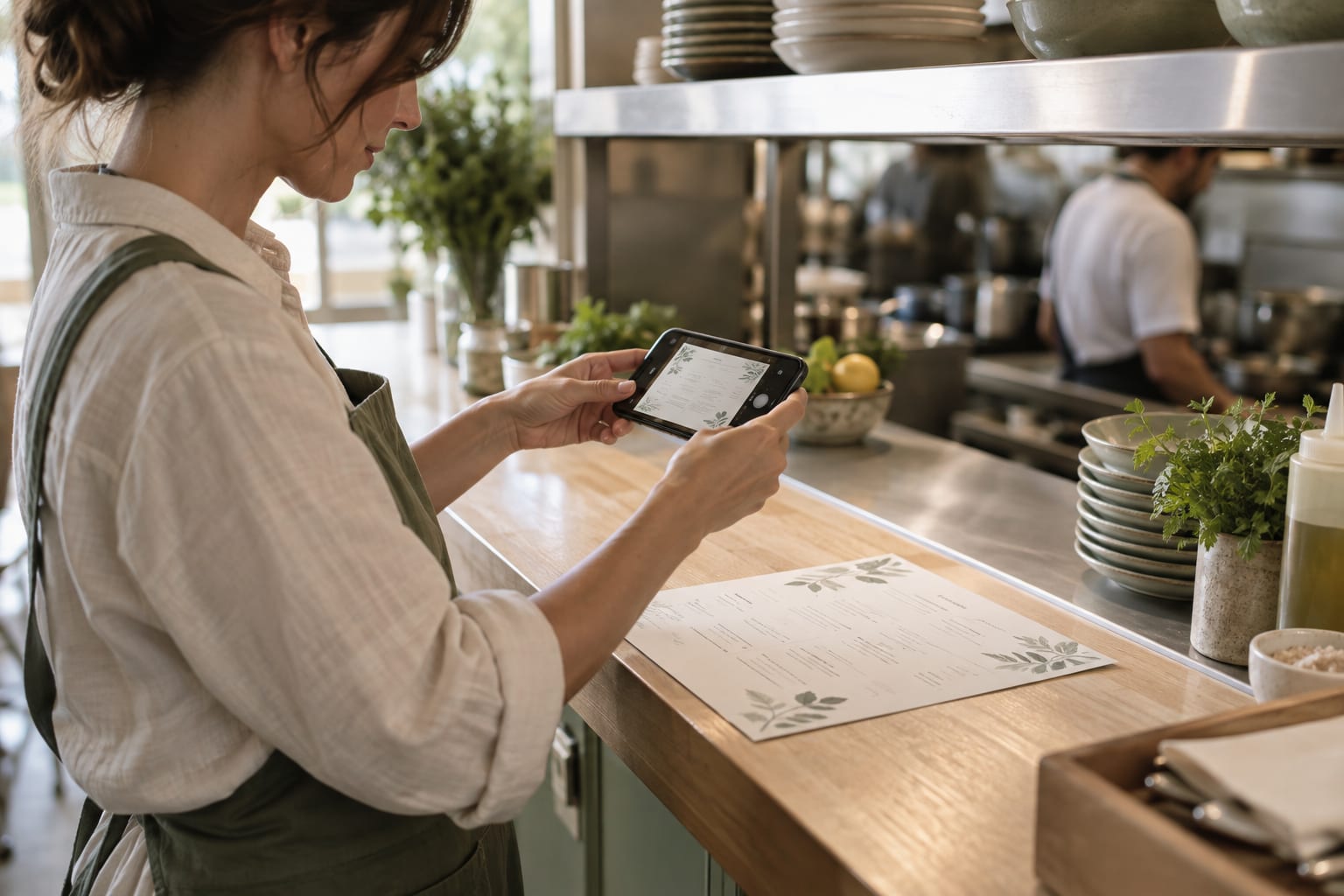
01Use the paper menu you already have. A well-lit photo is enough—no redesign, PDF, or special formatting needed.
 02
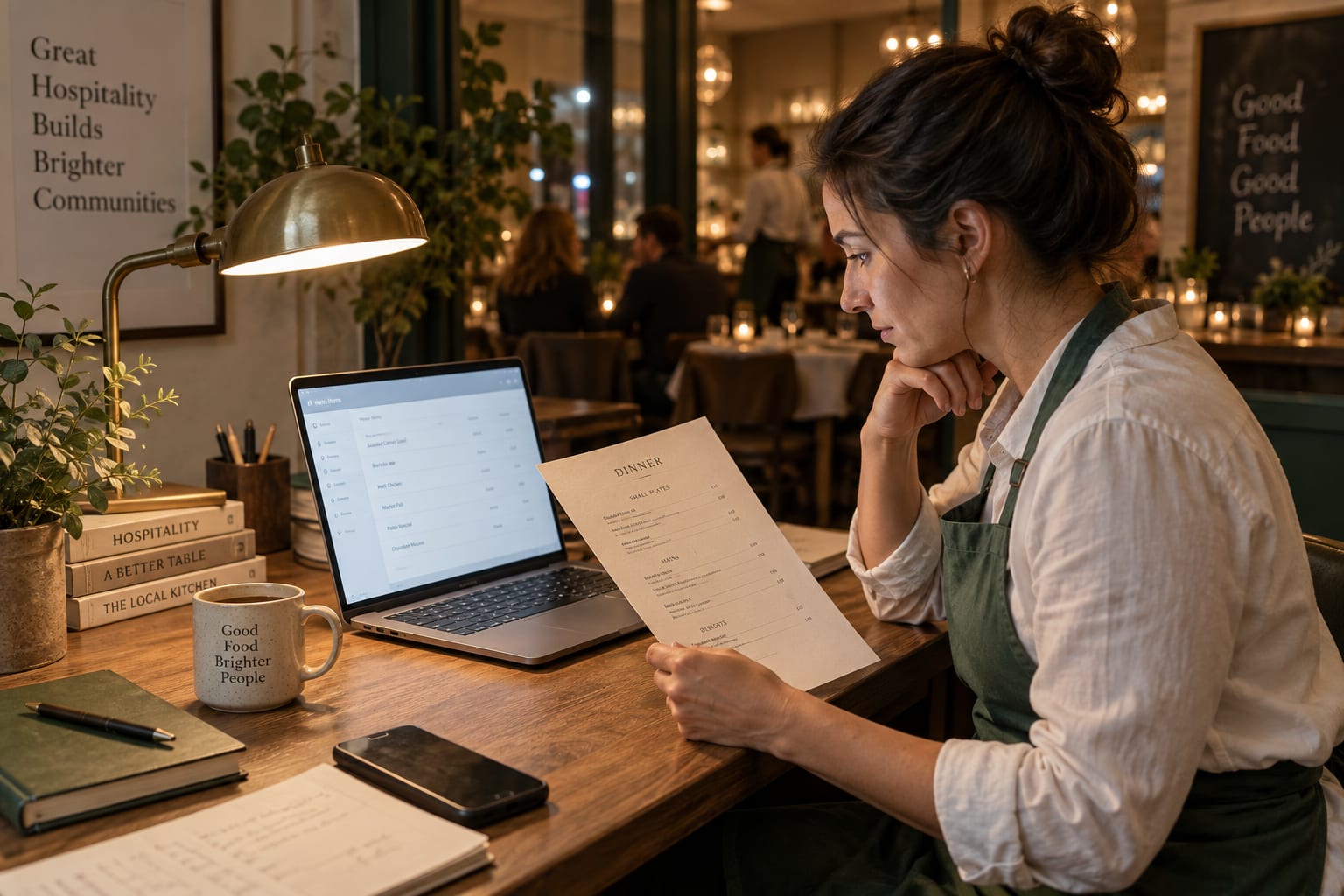
02MenuGo organizes categories, dishes, descriptions, prices, and tags into an editable mobile menu. Check every detail before sharing.
 03
03Choose the languages your guests need. They can switch languages on the published menu while the original stays available.
 04
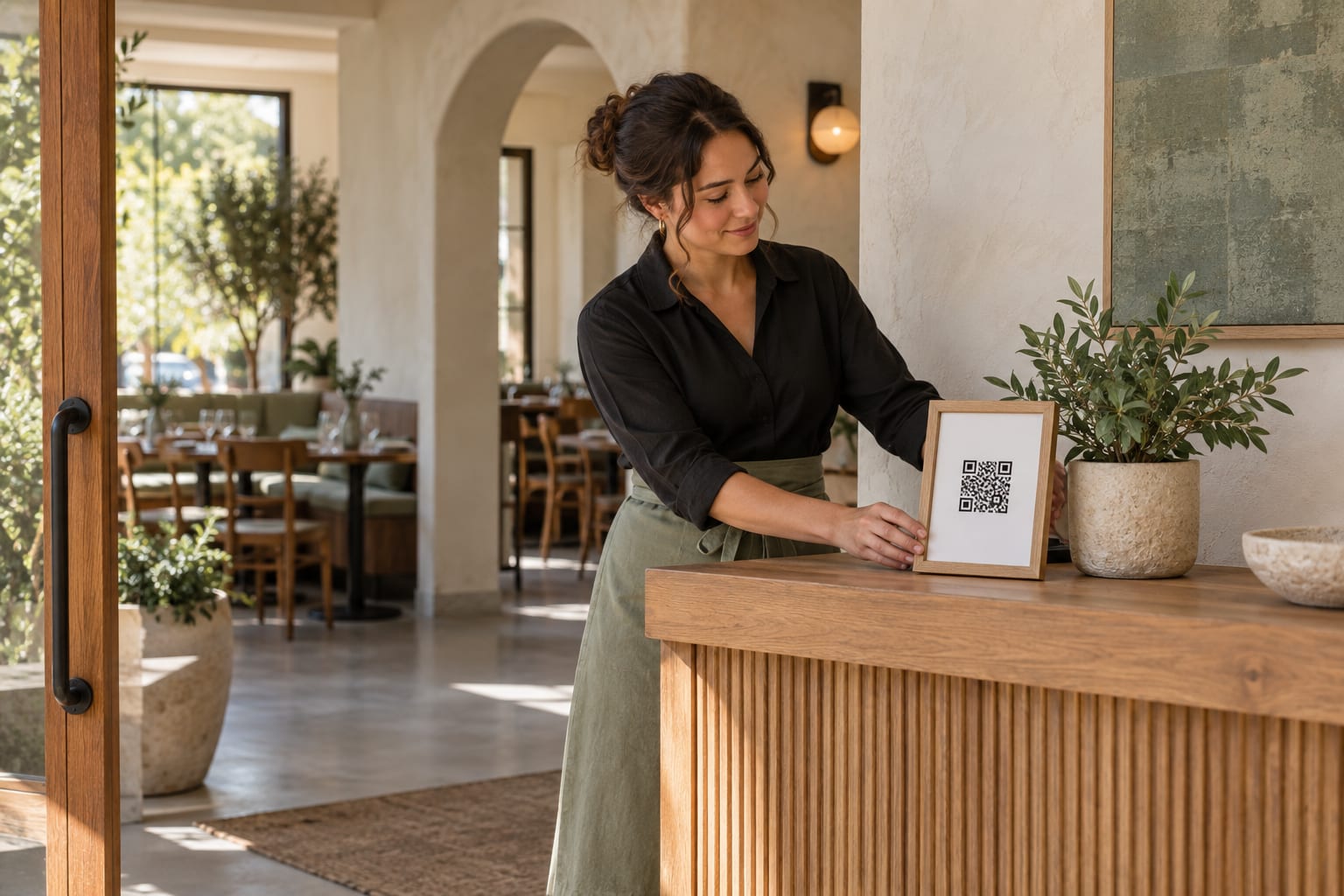
04Share the generated QR code at every table. Update prices, items, photos, and availability anytime without replacing the code.