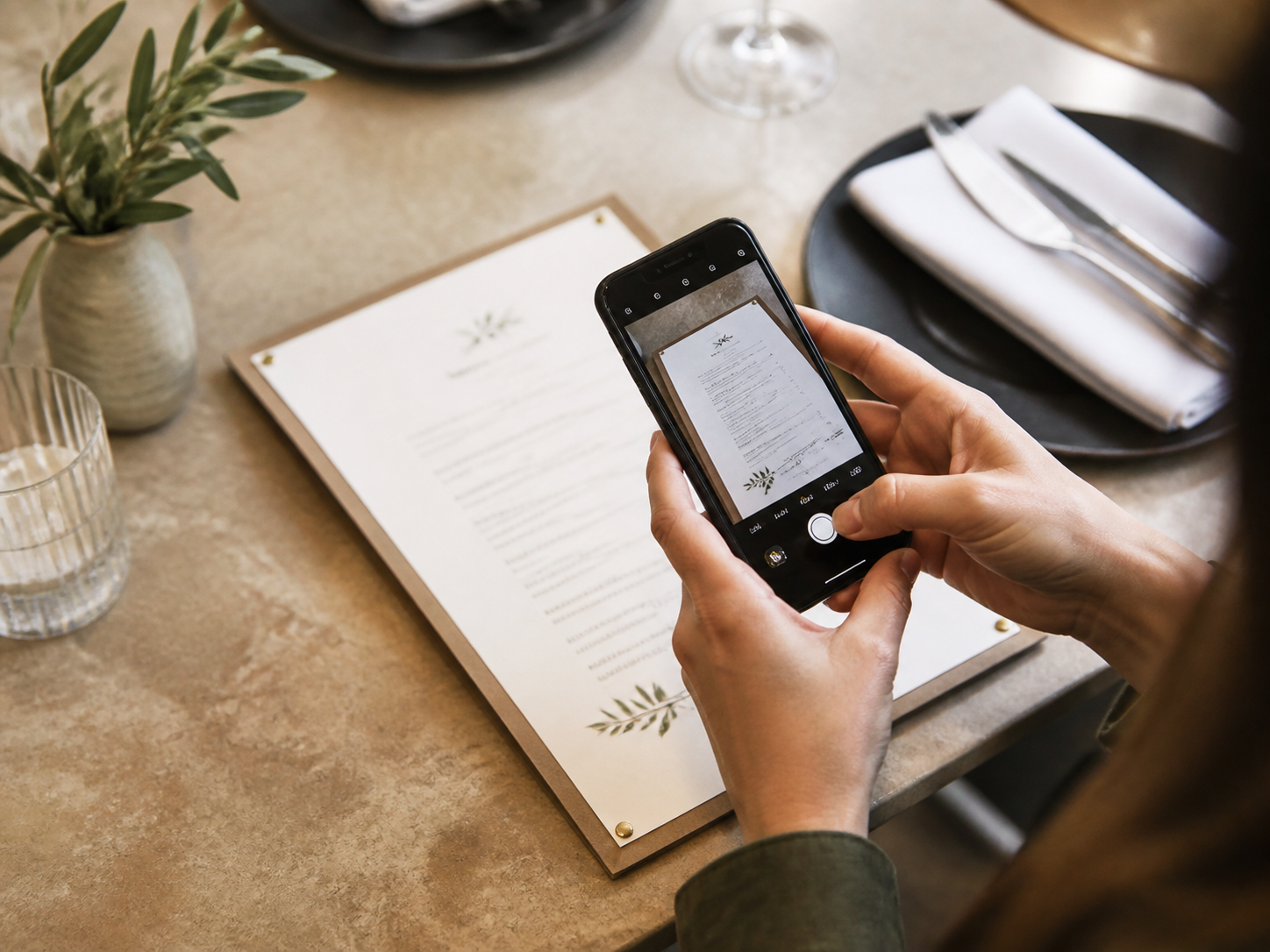
Photograph your existing menu
Photograph the paper menu you already use. No PDF, design file, or special formatting required.
Upload a photo.
AI builds and translates your mobile menu.
Photograph the paper menu you already use. No PDF, design file, or special formatting required.
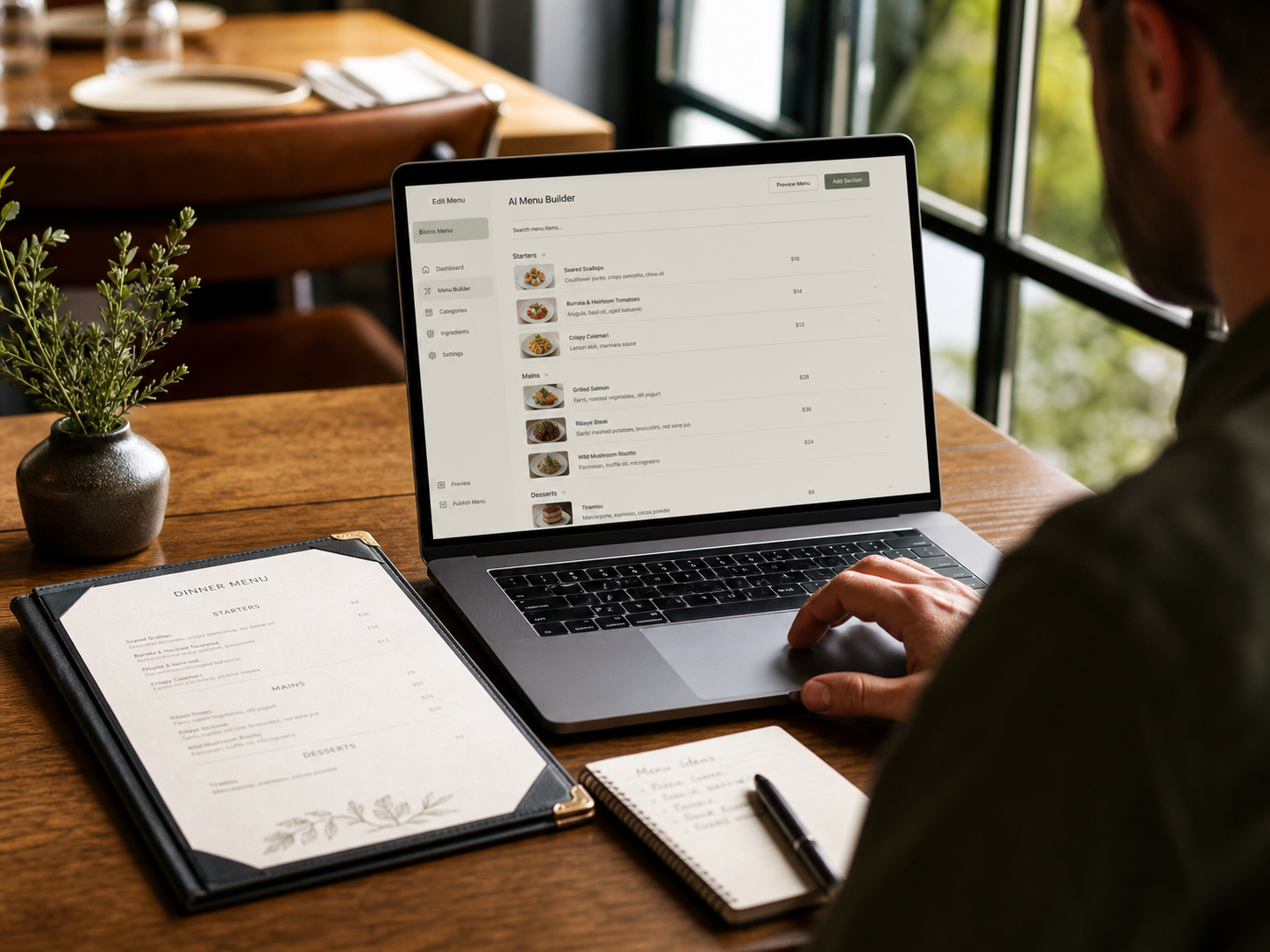
AI reads your categories, item names, descriptions, and prices, then builds a polished mobile menu.
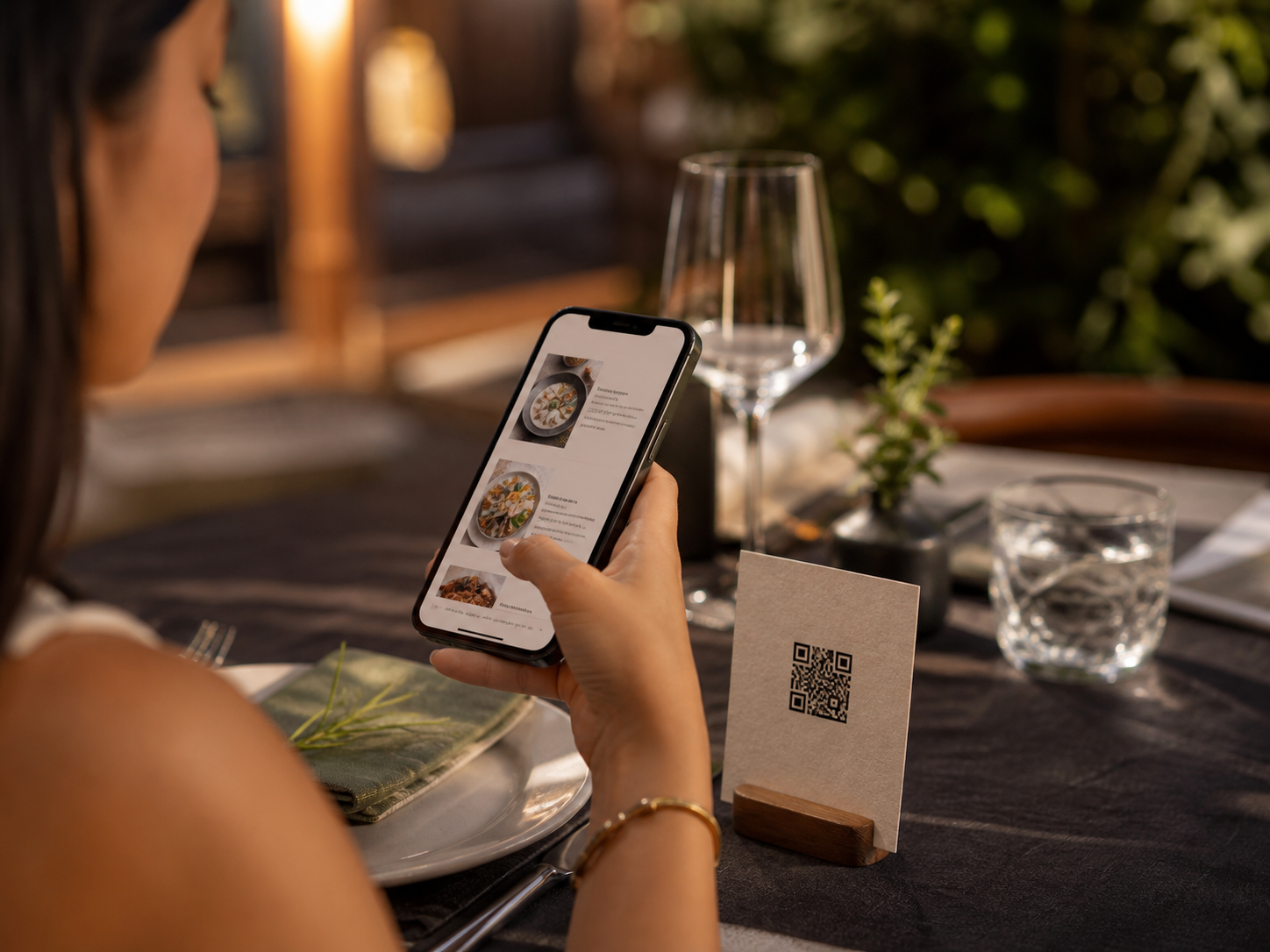
Place the generated QR code on your tables. The same link keeps working whenever your menu changes.
Automatic translation is included at no extra cost. Translate your entire menu with one click while menu order and proper names stay intact.

No ordering, payment processing, commissions, or complex POS integrations. Just a fast, focused way for guests to browse and choose.
Six fictional scenarios to help you imagine your own setup. Illustrative photos and workflows—not customer testimonials.

Help a first-time guest distinguish dishes without removing their Korean identity.
Explore scenario
Keep the menu guests read aligned with the special the kitchen can serve today.
Explore scenario
Give seated guests a useful overview before they speak with the counter team.
Explore scenario
Help guests compare the format and portion of unfamiliar options.
Explore scenario
Make the difference between fillings and serving options easier to understand.
Explore scenario
Help guests browse a changing selection with less ambiguity about what is offered.
Explore scenario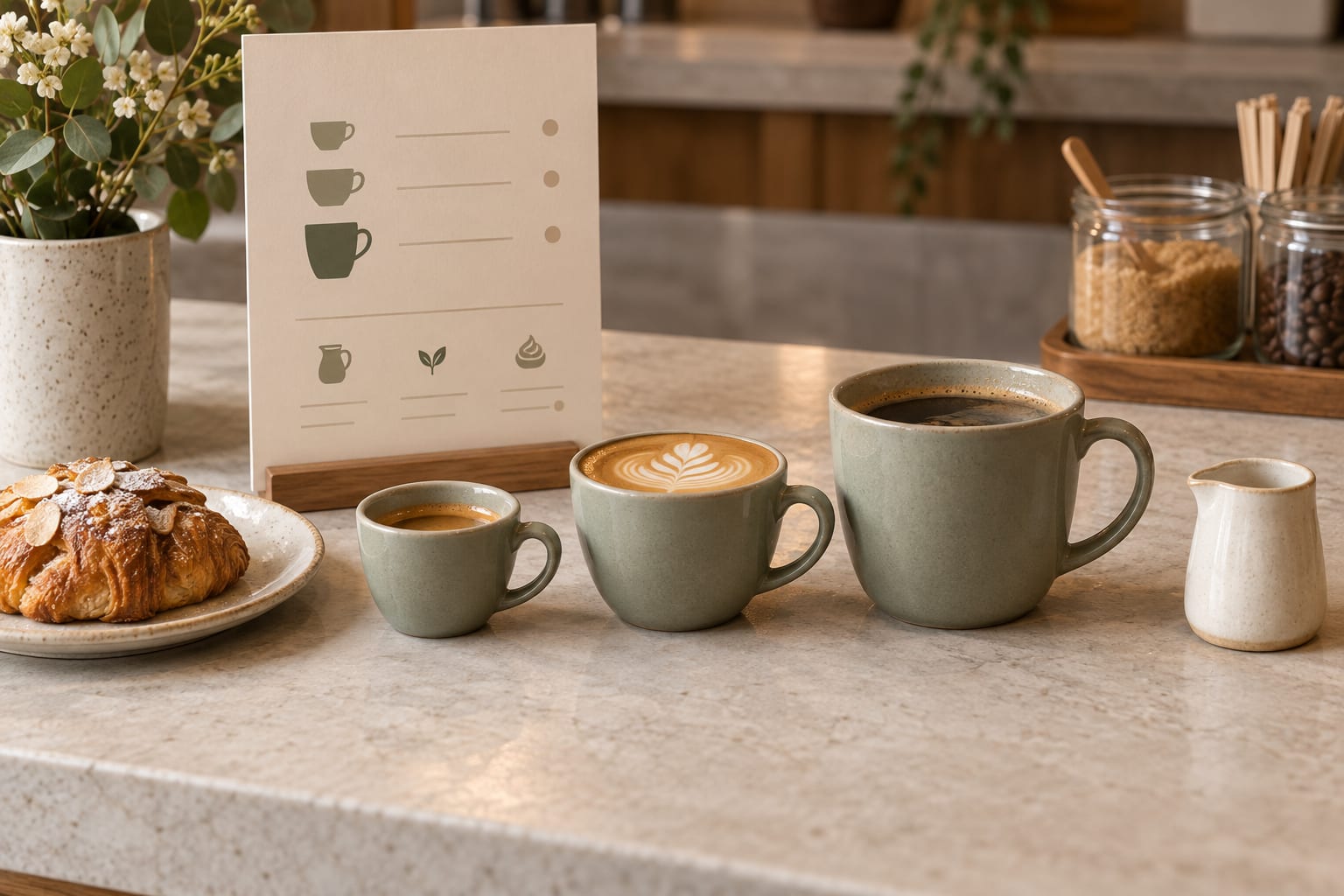
Clarify takeaway portions, included extras, availability, and ordering instructions so guests know what to expect before contacting your team.
Read article
Use recurring service questions to find unclear menu wording, make focused edits, and review whether the updated descriptions help guests.
Read article
Build a practical service-change routine for lunch and dinner menus, with clear hours, shared dishes, and a final public-page check.
Read articleUse consistent serving units and option wording so guests can understand what a menu price includes before ordering.
Read article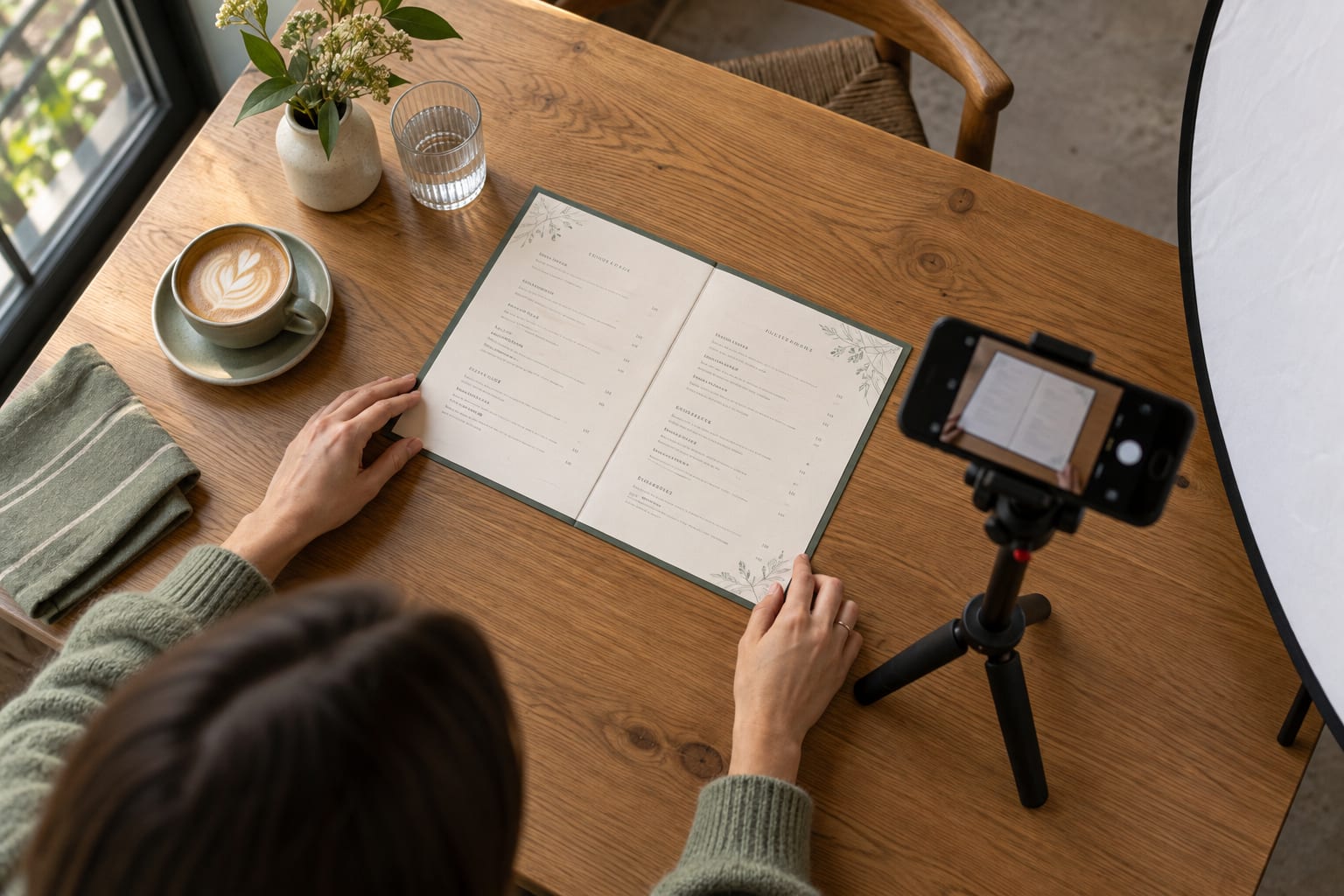
Prepare a clear menu photo, organize multiple pages, and review the extracted draft before publishing your restaurant menu.
Read articleCreate a practical shift handover for menu edits, temporary changes, translations, and public-page checks so the next team knows what is live.
Read articleCreate a beautiful menu before committing. No card details and no contract required.
Start free for 6 months No credit card required · Cancel anytime