 September 8, 2026
How to Show Menu Prices, Sizes, and Add-Ons Clearly
Use consistent serving units and option wording so guests can understand what a menu price includes before ordering.
Connect each price to a specific serving
A price is only useful when a guest knows what it buys. A number beside “tacos,” “coffee,” or “sharing plate” can leave the serving unit unclear. Start each review by asking someone unfamiliar with the menu to explain the quantity, size, and included items without help from the floor team.
This guide focuses on editorial clarity and a manual review routine. The sample dishes and prices are fictional, and the examples are not pricing recommendations. Use your restaurant’s approved offer as the source for every amount and description. The goal is to make that offer understandable on a small screen.
Use one pattern for comparable items
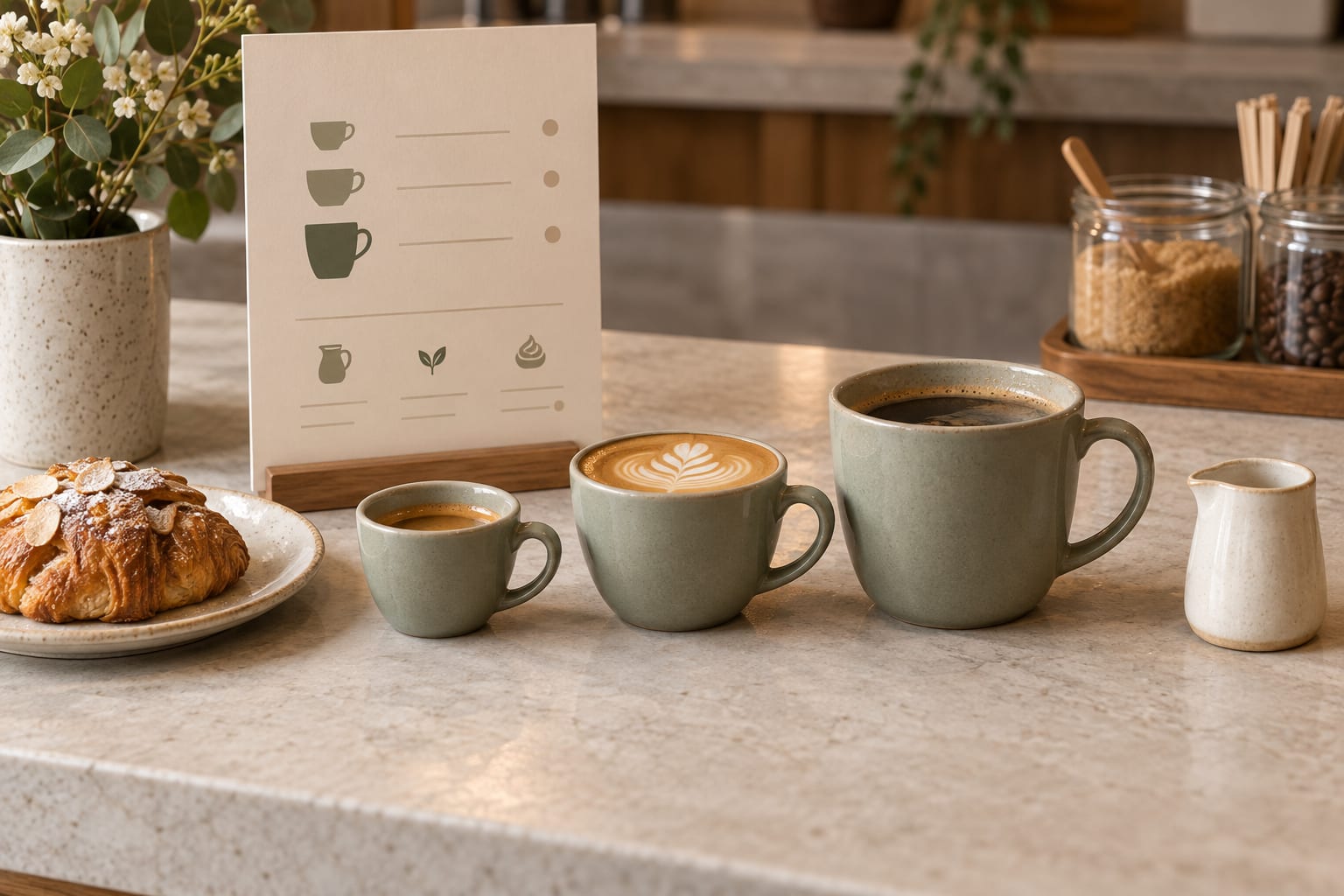
Choose a consistent order for size, quantity, and price within a category. If coffee is listed by small and large sizes, use the same labels for each drink where those sizes apply. If tacos are priced individually, state that serving unit instead of expecting guests to infer it from a photograph.
Keep meaningful differences visible. A lunch set and an à la carte main may have similar names but include different sides or drinks. Explain the inclusions beside the relevant item so a guest does not have to search another section. If a condition only applies to one dish, put it with that dish.
Rewrite ambiguous lines into clear choices
Short labels can work well if they answer the guest’s question. Do not add detail only to make the line longer. “Two pieces” may be enough for one item, while a sharing platter may need its components listed. Have the kitchen or service manager approve the actual serving language.
Check how the wording appears in the published layout. A price separated from its size by a line break can be harder to interpret than it looked in an editing field. Keep related information together and review the longest option on a narrow phone.
| Ambiguous line | Clearer example | Confirm before publishing |
|---|---|---|
| Coffee 4 / 5 | Coffee — small $4; large $5 | Which sizes are actually offered? |
| Tacos 6 | Roasted mushroom taco — one taco, $6 | Is the unit one taco or a plate? |
| Lunch set 18 | Lunch set — sandwich and side salad, $18 | Are a drink or substitutions included? |
| Extra side 3 | Add a side salad for $3 | Does this apply to every main? |
Distinguish included choices from paid extras
Tell guests whether they are choosing an included option or adding something at an additional price. For example, “Choose rice or salad” communicates a different offer from “Add a side salad for $3.” Verify the wording against your service practice before applying a pattern across the menu.
If there are several options, avoid compressing them into unexplained punctuation. Name the option and its price relationship in ordinary language. A digital browsing menu should describe what the restaurant offers even when guests make their selection directly with staff. Do not imply that a displayed option is an online ordering control.
Review every place the item appears
Use a brief exception list for anything unresolved. An entry such as “confirm whether lunch set includes a drink” gives the reviewer a specific question. Leave an owner for that question so a draft assumption does not become the published offer by accident.
- Compare each listed amount with the approved service menu.
- Check size labels, quantities, and included components.
- Make paid extras and their conditions explicit.
- Review repeated items in food, specials, and set-menu sections.
- Check that translated versions preserve units and price relationships.
- Open the public page and inspect the changed items on a phone.
Maintain the pattern when the menu changes
When a portion or price changes, review the whole item rather than replacing one number. The photo, description, size label, and included side may also need attention. If the dish appears in a second menu, check that version during the same review.
Ask staff to note recurring questions after service. A question about whether a price covers one taco or three is useful evidence about a particular line. Revise that wording, publish it, and check again. Clear menu information grows from the offer you actually serve and the questions your guests actually ask.